
Creating videos consistently is one of the biggest challenges for content creators. Between scripting, filming, editing, designing thumbnails, and writing descriptions, a single video can easily consume an entire workweek. Yet some creators publish high-quality videos every single week without burning out. Their secret? Templates.
Templates are pre-designed, reusable assets that eliminate repetitive work from your production pipeline. Instead of building every element from scratch, you start from a polished foundation and customize it for each video. The result is faster turnaround times, more consistent branding, and more energy left for the creative work that actually matters.
The Hidden Time Costs of Video Production
Most creators underestimate how much time goes into the non-creative parts of video production. Designing an intro sequence, creating lower thirds for guest names, building animated charts for data, and formatting end screens can take hours — and you repeat this work for every video.
Consider a typical workflow: you spend two hours filming, then another six hours editing. But hidden in those six hours are at least two hours of repetitive design tasks — tasks that look almost identical from one video to the next. Templates reclaim those hours.
How Templates Transform Your Workflow
When you build or purchase quality templates, you are essentially investing once and saving time forever. Here are the areas where templates make the biggest difference:
Pre-built Intros and Outros
Your intro and outro should be consistent across videos — that is what builds brand recognition. Instead of recreating them each time, use a template where you simply drop in your footage and update the text. What once took an hour now takes five minutes.
Animated Infographics and Lower Thirds
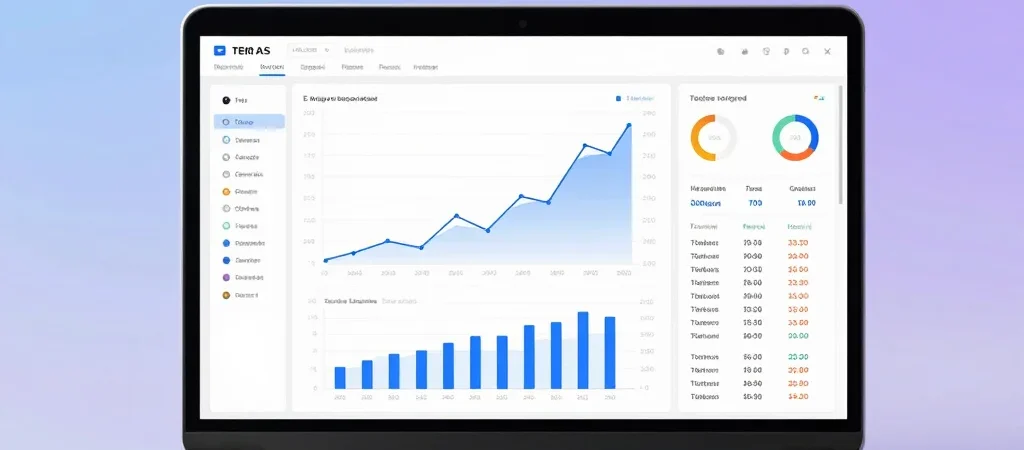
Explainer videos and tutorials rely heavily on visual aids. Animated infographic templates let you present data, timelines, and processes with professional motion graphics. Lower third templates give you polished name tags and captions without manual animation work. Products like our Animated Infographics Bundle are designed exactly for this purpose.
Thumbnail and Title Templates
Thumbnails determine whether people click. Having a set of thumbnail templates with your brand colors, fonts, and layout styles means you can create compelling thumbnails in minutes instead of starting from a blank canvas every time.
Choosing the Right Templates for Your Channel
Not all templates are created equal. Look for templates that are easy to customize — you should be able to change colors, fonts, and text without advanced skills. They should also match your niche. A tech reviewer needs different graphics than a cooking channel.
Start with the elements you use most frequently. If every video has data visualizations, invest in infographic templates first. If you do interviews, prioritize lower thirds and name tags. Build your library around your actual workflow, not what looks impressive in a demo.
Building a Template Library That Grows With You
Think of your template collection as a long-term asset. Organize templates by category — intros, transitions, infographics, thumbnails — so you can find what you need instantly. As your channel evolves, add new templates and retire ones that no longer fit your brand.
Many successful creators also create their own templates from past projects. When you design something you love, save it as a reusable template instead of letting it live only in one project file. Over time, this personal library becomes one of your most valuable production assets.
The Bottom Line
Templates do not make your content less original — they free you to be more original where it counts. By automating the repetitive parts of production, you gain time for better scripting, better filming, and better storytelling. Browse our shop to find templates and digital products that can streamline your video workflow starting today.